
01 / HELPDESK
CoordinateHelpdesk & tickets
Tickets, customers, assets, knowledge base, reports and MSP invoices in a shared workspace with roles for your team and your customers.
Included in every planLog in ↗
Answer requests, monitor Windows computers, and open secure remote sessions to Windows, macOS, Linux and Android from your browser — without juggling separate tools.
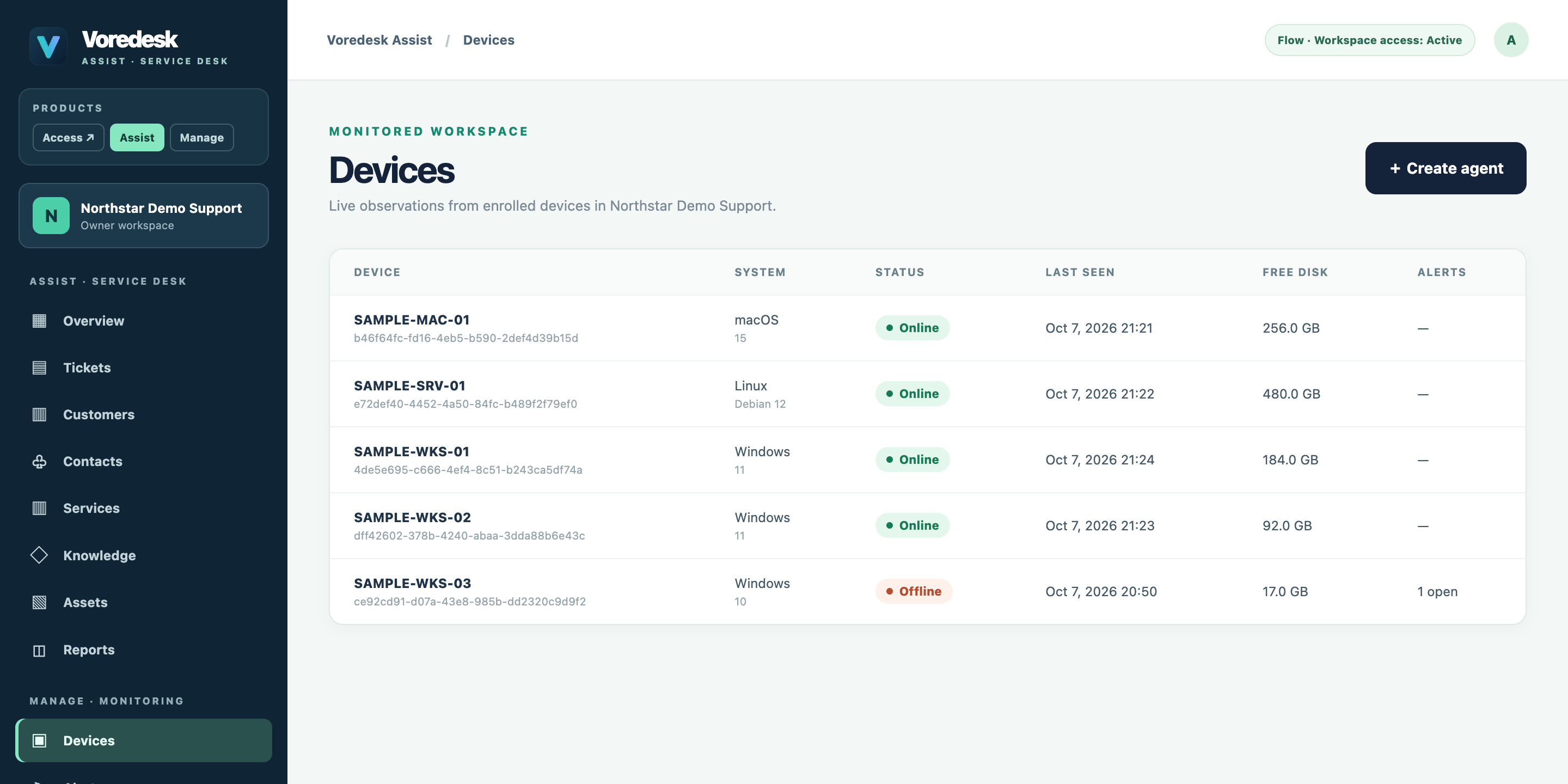
One subscription, everything included. A ticket shows the device; a device opens a remote session; the session is recorded on the ticket.
Tickets, customers, assets, knowledge base, reports and MSP invoices in a shared workspace with roles for your team and your customers.
Download one Windows agent from the dashboard; devices register themselves. See health, disk and memory, get alerts, review and install Windows updates, and discover devices on the local network.
Open a remote session from a ticket or device in your browser. Unattended access for managed computers — even when the screen is locked — with full keyboard, Ctrl+Alt+Del, file sending and optional session recording. Every session is time-limited and logged.
No servers to install and no codes to copy between computers.
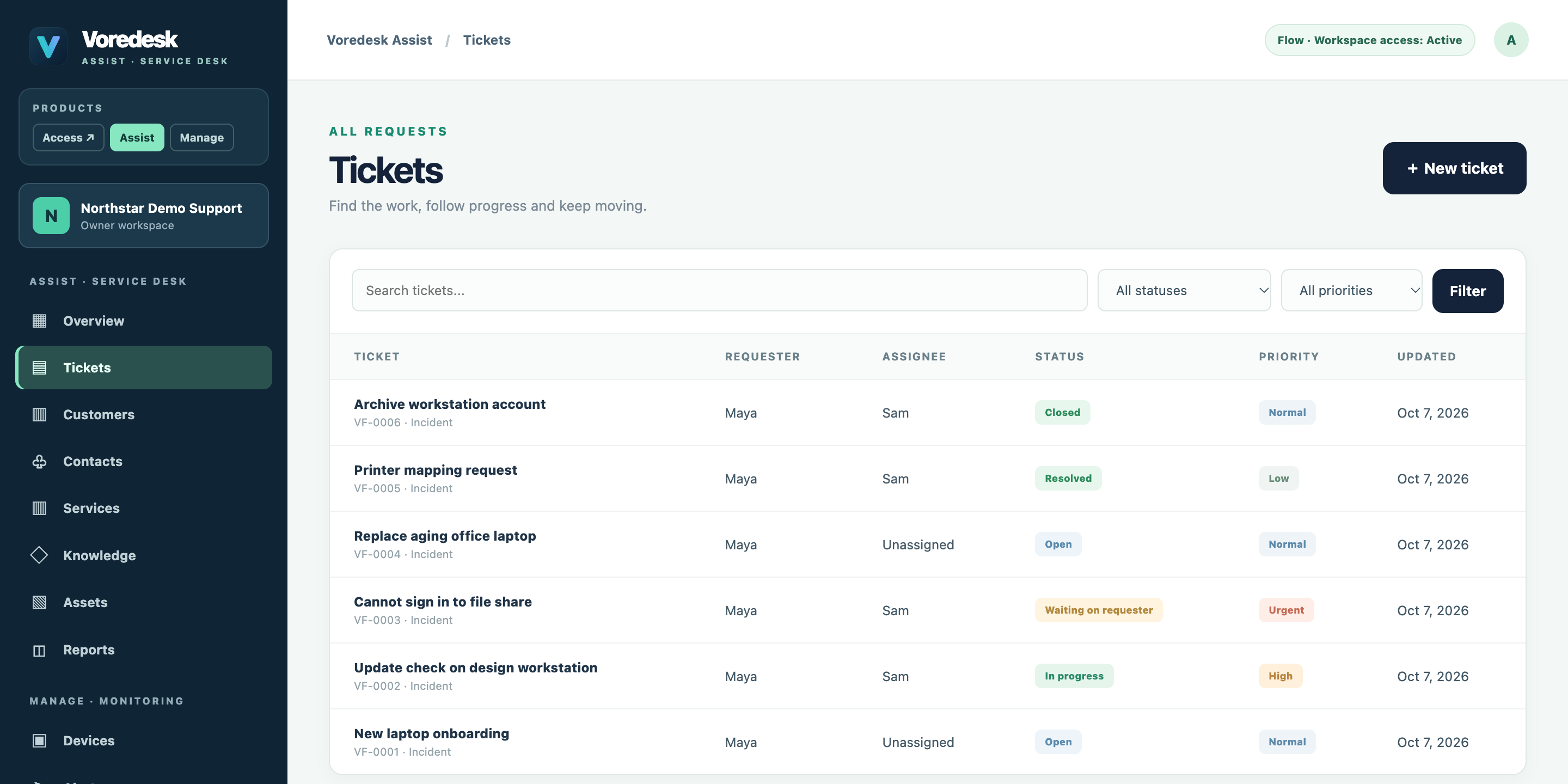
Set up a workspace in minutes. Every feature is included during the 14-day trial, for up to 10 devices.